

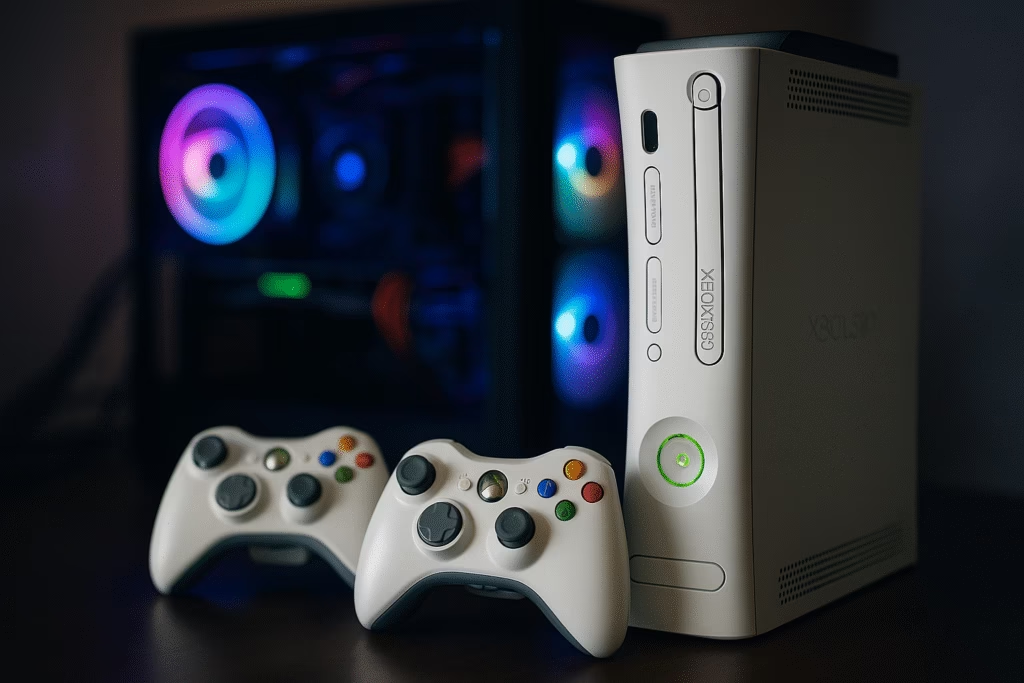
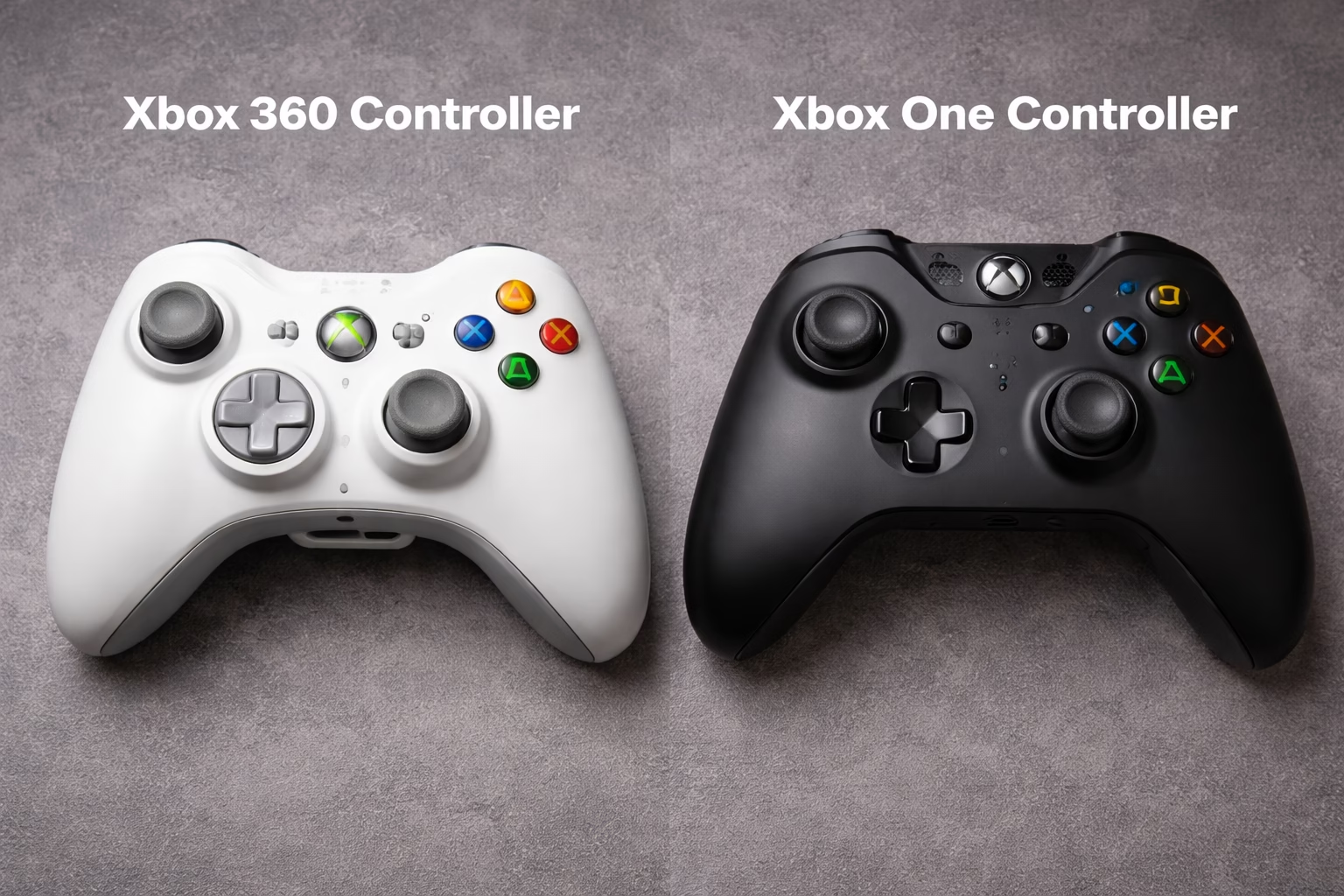

The evolution of gaming hardware is a fascinating journey of ergonomic discovery and technological refinement. When Microsoft transitioned from the seventh to the eighth console generation, the primary point of contact for every gamer underwent a radical transformation. The debate surrounding the Xbox 360 Controller vs Xbox One Controller: What’s Different? is not merely a question of nostalgia versus modernity; it is a fundamental exploration of how peripheral design affects competitive performance and long-term comfort. While the older 360 pad defined an entire decade of gaming, its successor aimed to fix every minor grievance, from the mushy directional pad to the lack of tactile feedback in the triggers.
The first time you hold an Xbox One controller after years of using the 360 version, the change is immediate and almost startling. The weight distribution has shifted, the thumbsticks feel significantly more precise, and the battery pack—once a protruding hump on the back—has been seamlessly integrated into the chassis. This guide provides an exhaustive analysis of these two legendary devices, helping you decide which legacy remains superior for PC gaming or retro console sessions. If you want to understand the granular nuances of the Xbox 360 Controller vs Xbox One Controller: What’s Different?, you have come to the right place.
Table of Contents
- The Ergonomic Shift: Body Shape and Comfort
- Thumbstick Precision and Tension Differences
- The Evolution of the D-Pad: From Mushy to Clicky
- Trigger Feedback and Impulse Motors
- Connectivity and Wireless Technology Standards
- Battery Life and Power Management Solutions
- Button Tactility and Response Times
- Durability and Long-Term Wear Patterns
- PC Compatibility and Driver Support
- Frequently Asked Questions (FAQs)
The Ergonomic Shift: Body Shape and Comfort
When examining the Xbox 360 Controller vs Xbox One Controller: What’s Different?, the physical silhouette is the most obvious starting point. The Xbox 360 controller was celebrated for its “organic” feel, featuring a wider, more rounded shape that catered specifically to a comfortable “palm grip.” However, it had one major flaw: the external battery pack. This plastic protrusion often interfered with the fingers of players with larger hands, creating a cramped experience during intense sessions.
In contrast, the Xbox One controller features a more streamlined, aggressive geometry. Microsoft spent over $100 million in research and development to hide the battery compartment entirely inside the controller body. This creates a flat back surface, allowing for a more natural finger placement. The grips themselves are also slightly narrower, which helps reduce hand fatigue over several hours. To truly appreciate this level of design for modern setups, many enthusiasts choose to display their gear using a HexGaming Ultimate Controller, a high-end custom peripheral that takes the Xbox One’s ergonomics to a professional, competitive level.
Thumbstick Precision and Tension Differences
If you are a fan of first-person shooters, the thumbsticks are your most vital tool. In the comparison of the Xbox 360 Controller vs Xbox One Controller: What’s Different?, the sticks underwent a massive overhaul. The 360 sticks were larger and had a relatively high tension, which some players preferred for “heavy” aiming. However, the rubber coating was notorious for wearing down until only the hard plastic remained.
The Xbox One thumbsticks are smaller, featuring a knurled ring around the edge for superior grip. Furthermore, the dead zones were significantly reduced. This means the controller registers movement much faster, providing a snappier response in fast-paced games. The tension is lighter, allowing for micro-adjustments that were difficult on the older hardware. To maintain this precision on a larger scale, serious flight sim or racing fans often transition to high-end setups like the Logitech G X56 H.O.T.A.S., which offers the kind of industrial-grade stick tension that the original 360 engineers could only dream of.
The Evolution of the D-Pad: From Mushy to Clicky
Perhaps the most significant victory for the newer model in the Xbox 360 Controller vs Xbox One Controller: What’s Different? debate is the D-pad. The Xbox 360’s D-pad is widely considered one of the worst in gaming history. It was a “disc-style” pad that often registered diagonal inputs when the player only intended to press left or right. This made fighting games or precision platformers nearly unplayable without a dedicated arcade stick.
Microsoft corrected this by implementing a four-way cross-shaped D-pad on the Xbox One controller. It uses mechanical micro-switches that provide a satisfying “click” with every press. This tactile feedback ensures that you know exactly when an input has been registered. This change alone makes the Xbox One controller the superior choice for retro gaming on a PC. For those who want the absolute pinnacle of D-pad technology and customization, the Xbox Elite Series 2 Core represents the natural evolution of this design, offering interchangeable pads for different playstyles.
Trigger Feedback and Impulse Motors
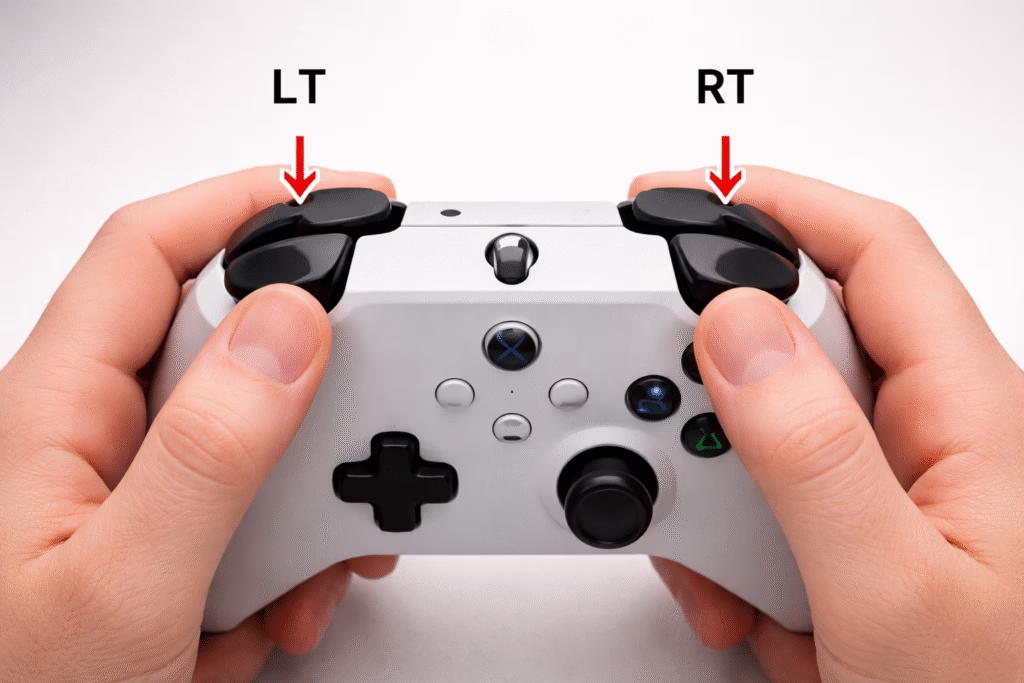
The triggers on the Xbox 360 were revolutionary for their time, offering a smooth pull that was perfect for racing games. However, the Xbox One introduced “Impulse Triggers.” These are small, independent rumble motors located directly behind the LT and RT buttons. Consequently, you can feel the individual vibration of a car’s anti-lock brakes or the kickback of a specific firearm right at your fingertips.
This level of immersion is a key factor in the Xbox 360 Controller vs Xbox One Controller: What’s Different? comparison. The 360 triggers feel somewhat “loose” by comparison, lacking the magnetic sensor precision found in the One. If you find that the standard rumble isn’t enough for your immersion needs, you might consider upgrading your entire audio-tactile experience with a SteelSeries Arctis Nova Pro Wireless, which provides the high-fidelity soundscape necessary to complement the haptic feedback of modern controllers.
Connectivity and Wireless Technology Standards
Connectivity is a major point of divergence. The Xbox 360 used a proprietary 2.4GHz wireless protocol. To use a 360 controller on a PC, you were required to purchase a specific USB receiver. While the connection was stable, it was not versatile. Furthermore, the “Play and Charge” kit for the 360 did not actually transmit data; it only provided power, meaning the controller was still technically wireless even when plugged in.
The Xbox One controller transitioned to a more standard micro-USB (and later USB-C) connection that transmits data directly. This turned the controller into a true “plug-and-play” wired device for PC. Later revisions of the Xbox One controller also added Bluetooth support, allowing it to connect to smartphones, tablets, and laptops without any extra dongles. This versatility is a massive advantage for the modern gamer. To keep all these wireless devices powered in a professional setup, a high-capacity Anker 737 Power Bank is an essential high-priced tool for gamers who move between mobile and console play.
Battery Life and Power Management Solutions
The way these controllers handle power is a frequent topic in the Xbox 360 Controller vs Xbox One Controller: What’s Different? discussion. The 360 was famous for its AA battery requirement, though its power draw was relatively low. You could often get 30 hours of play out of a single pair of batteries because the vibration motors were less sophisticated.
The Xbox One controller also uses AA batteries by default, but its power management is much more aggressive. Due to the four vibration motors and the light-up Home button, it can drain batteries faster if high-intensity haptics are used. However, the transition to a standard charging port made using rechargeable packs significantly easier. The lack of a physical hump also means you can use larger third-party battery packs without ruining the ergonomics of the device.
Button Tactility and Response Times
The face buttons (A, B, X, Y) on the Xbox 360 have a slightly higher profile and a “mushier” bottom-out. This isn’t necessarily a bad thing, as it provides a soft landing for your thumb during repetitive button mashing. However, in the realm of competitive gaming, speed is king.
The Xbox One buttons are flatter and have a shorter travel distance. This reduces the time between your brain deciding to jump and the character actually leaving the ground. While the difference is measured in milliseconds, it is a tangible factor in the Xbox 360 Controller vs Xbox One Controller: What’s Different? analysis. The shoulder buttons (LB and RB) also saw a change; they were moved to a hinge design on the Xbox One, making them easier to click from the side rather than needing a direct top-down press.
Durability and Long-Term Wear Patterns
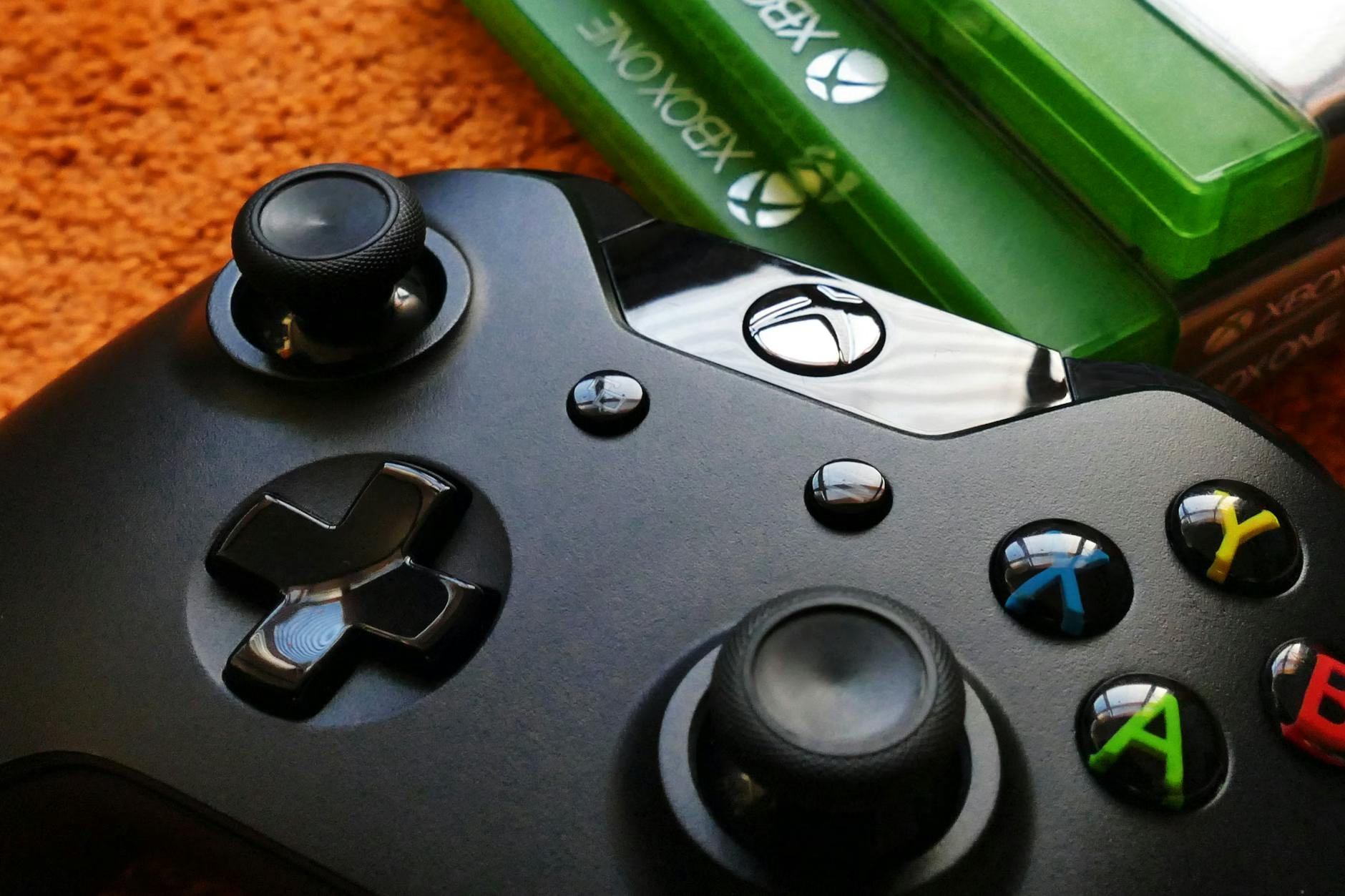
Longevity is where the Xbox 360 controller often shines. Many gamers still have their original 2005 controllers in working order. The build quality was incredibly robust, designed to survive being dropped or thrown in a fit of “gamer rage.” The only real weakness was the thumbstick rubber.
The Xbox One controller, while feeling more “premium,” has faced some criticism regarding stick drift and bumper failure. Because the internal components are much more complex and packed into a tighter space, there are more points of failure. This is why many pro players opt for extended warranties or high-end third-party versions that use more durable mechanical switches.
PC Compatibility and Driver Support
For PC gamers, the answer to Xbox 360 Controller vs Xbox One Controller: What’s Different? usually leans toward the One due to native Windows 10 and 11 integration. While the 360 controller is still supported, the Xbox One controller is treated as the “native” input device for almost every game on Steam and the Microsoft Store.
The Xbox One controller also supports firmware updates via the Xbox Accessories app on PC. This allows Microsoft to improve stick calibration and battery efficiency years after the controller was manufactured. The 360 controller is a static device; how it worked in 2005 is how it will work forever, with no hope of software-based improvements.
Frequently Asked Questions (FAQs)
Can I use an Xbox 360 controller on an Xbox One console?
No. The wireless protocols are incompatible, and the Xbox One does not support the older 360 USB receivers.
Does the Xbox One controller have a headphone jack?
Early models did not, but all versions manufactured after 2015 include a standard 3.5mm jack for headsets.6 The 360 controller used a proprietary 2.5mm jack.
Is the Xbox One controller better for fighting games?
Yes, primarily because of the vastly improved D-pad which allows for more accurate special move inputs.
Which controller is lighter?
The Xbox 360 controller is slightly lighter, especially since the Xbox One controller uses denser internal motors and haptic triggers.
Do Xbox One controllers work on Xbox Series X?
Yes. Microsoft ensured that all Xbox One peripherals are fully forward-compatible with the Series X and Series S.7
Can I use a 360 controller on PC without an adapter?
Only if it is a “Wired” 360 controller. Wireless ones require the USB Wireless Gaming Receiver.
Which controller has better thumbsticks?
The Xbox One sticks have better grip and less dead zone, though some prefer the larger surface area of the 360 sticks.
Are the triggers on the Xbox One noisy?
They are generally quieter than the 360 triggers, which could sometimes develop a “squeak” over time.
What is the “Impulse Trigger” feature?
It is a haptic system that sends vibrations specifically to the triggers, allowing you to feel things like tire traction or gun triggers.8
Is it worth buying a 360 controller in 2024?
Only for nostalgia or if you are using an original 360 console. For PC and modern gaming, the Xbox One controller is superior in almost every technical category.
In conclusion, while the Xbox 360 controller is a legendary piece of hardware that defined a generation, the Xbox One controller is a superior evolution in almost every category. From the vastly improved D-pad to the immersive impulse triggers and seamless PC connectivity, it represents the modern standard for what a controller should be. If you are serious about your gaming performance, making the switch is not just an upgrade—it’s a necessity.