


The mid-boss fight is reaching its climax and your thumb is pressed firmly against the stick, yet your character suddenly veers left into a pit of lava. In that agonizing moment, you realize the “Red Ring of Death” wasn’t the only hardware failure that could haunt the seventh generation of gaming. While the console itself became infamous for its thermal issues, the peripherals have faced their own slow decay over the last two decades.
Consequently, understanding the landscape of common xbox 360 controller problems & fixes has become an essential skill for the modern retro enthusiast. Whether you are revisiting a classic Halo campaign or competing in a legacy fighting game tournament, a malfunctioning input device is the ultimate game-over screen. In this exhaustive 2026 breakdown, we will examine the mechanical ghosts in the machine and provide the technical blueprints to exorcise them permanently.
Table of Contents
- The enduring legacy of the Xbox 360 input device
- Diagnosing common xbox 360 controller problems & fixes
- Wireless synchronization and interference troubleshooting
- The science of stick drift and potentiometer wear
- Reviving dead battery packs and power connections
- Fixing sticky buttons and unresponsive d-pads
- Wired controller cable repair and strain relief
- Internal hardware: A deep dive into soldering and sensors
- Software calibration and PC driver conflicts in 2026
- Preventive maintenance for long-term controller health
- Replacing the analog stick caps
- Troubleshooting the 3.5mm and 2.5mm audio ports
- The impact of shell damage on performance
- Dealing with “Ghost” button presses
- The psychology of retro gaming maintenance
- Comparing OEM vs. Third-Party Repair Parts
- Conclusion: Preserving the golden era of gaming
- Frequently Asked Questions
The enduring legacy of the Xbox 360 input device
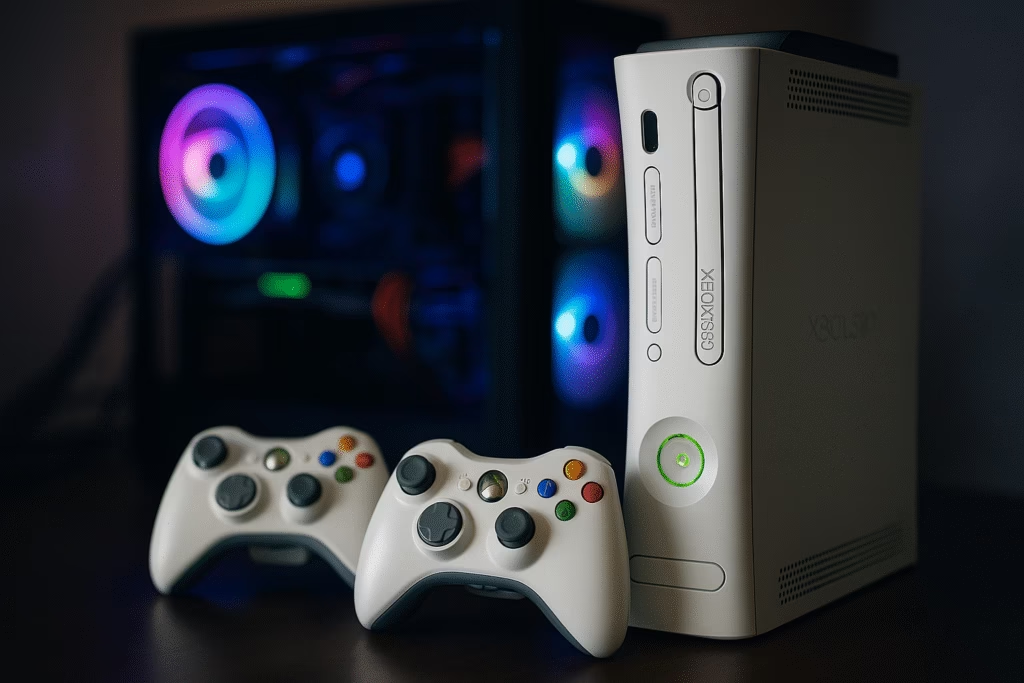
To understand the necessity of learning common xbox 360 controller problems & fixes, one must first appreciate the design philosophy behind this hardware. When Microsoft released the 360 in 2005, they refined the ergonomics of the original “Duke” and “Controller S” into what many still consider the perfect peripheral. However, nearly twenty years of clicking, tilting, and dropping have taken a significant toll on these devices. Moreover, the transition to modern operating systems has made legacy hardware support more precarious than ever before. As a result, the community has had to step up where official support ended, creating a vast knowledge base of repair techniques. This guide serves as a bridge between that community expertise and your specific hardware needs.
Diagnosing common xbox 360 controller problems & fixes
Before picking up a screwdriver, you must accurately identify the symptoms of the failure. Most common xbox 360 controller problems & fixes fall into three categories: power, connectivity, or mechanical wear. Specifically, if your controller turns off during vibration, the issue is likely a loose battery spring. Alternatively, if your character moves on their own, you are dealing with the dreaded stick drift. By isolating the problem through a series of controlled tests, you can avoid unnecessary disassembly. For example, trying a different battery pack or a different console can immediately tell you if the fault lies in the controller’s internal circuitry or the external power source.
Wireless synchronization and interference troubleshooting
One of the most frequent frustrations for gamers is the sudden loss of connection during play. This often occurs because the proprietary 2.4GHz radio frequency used by Microsoft is increasingly crowded by modern Wi-Fi routers and smart home devices. Furthermore, the sync button on the controller or the console can become physically worn over time. To address this, you should first ensure that no large metallic objects are blocking the line of sight between the devices. If the wireless signal remains unstable, many users have found success by using a Mcbazel Wireless USB Receiver to test the controller on a PC environment. This allows you to verify if the internal radio module of the controller is functioning correctly or if the console’s receiver is the actual culprit.
The science of stick drift and potentiometer wear
Stick drift is perhaps the most notorious issue among all common xbox 360 controller problems & fixes. Inside each analog stick are two potentiometers that measure movement on the X and Y axes. Over time, the carbon tracks inside these sensors wear down or become clogged with dust. Consequently, the controller sends a signal that the stick is moving even when it is centered. While some people suggest “blowing into the stick” or using compressed air, these are often temporary fixes. For a permanent solution, you may need to open the shell and clean the sensors with 99% isopropyl alcohol. In more severe cases, the entire analog module must be desoldered and replaced. For those who take their repairs seriously, the Hakko FX888D Soldering Station provides the precise temperature control needed to work on these delicate circuit boards without causing heat damage.
Reviving dead battery packs and power connections
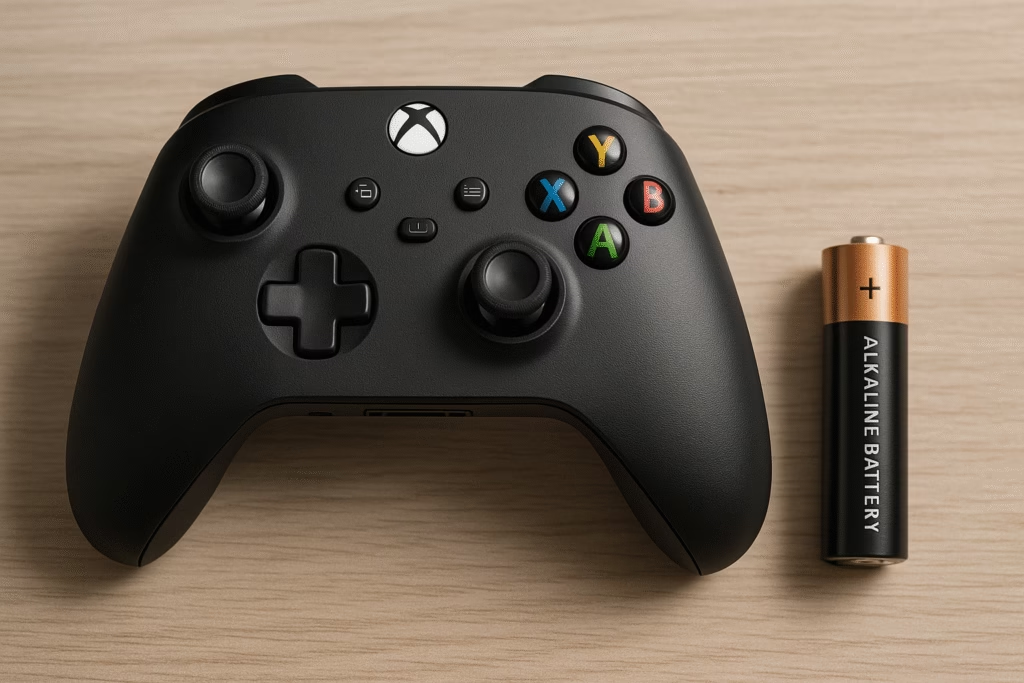
Power failures are frequently misdiagnosed as motherboard failures. Because the Xbox 360 controller uses a removable battery pack, the contact points are exposed to air and moisture, which leads to oxidation. If you notice a green or white crust on the metal terminals, the flow of electricity is being restricted. Therefore, cleaning these contacts with a cotton swab and a bit of vinegar or alcohol can often bring a “dead” controller back to life. Furthermore, the springs inside the battery shell can lose their tension over time. By gently stretching these springs with a pair of tweezers, you can ensure a tighter fit and prevent the controller from shutting off every time it vibrates. If the original rechargeable packs have completely failed, switching back to high-quality AA batteries is often the most reliable way to maintain consistent power.
Fixing sticky buttons and unresponsive d-pads
The buttons on a 360 controller rely on conductive rubber pads that complete a circuit when pressed. When soda spills or hand oils seep into the crevices, these pads become sticky or lose their conductivity. As a result, you might find yourself mashing the “A” button with no response. To fix this, you must disassemble the controller and wash the plastic buttons and rubber membranes in warm, soapy water. However, you must be extremely careful not to get the main circuit board wet. Once the components are dry, reassembling the device will usually restore that “clicky” feel. In addition, the D-pad on the 360 was notoriously mushy from day one. Some enthusiasts perform a “paper mod” to increase the height of the D-pad pivot, which significantly improves the tactile feedback for fighting games.
Wired controller cable repair and strain relief
While wireless controllers are common, many competitive players still prefer the wired version for its lower latency. However, these cables are prone to fraying at the base of the controller or the USB plug. If your wired controller disconnects when you move the wire, you are likely dealing with a broken internal copper strand. Specifically, the strain relief boot is where most failures occur. To repair this, you would need to cut the wire, strip the leads, and resolder them directly to the board. Because this requires a steady hand and specific tools, having a comprehensive toolkit is vital. The iFixit Pro Tech Toolkit is widely considered the best in the industry for this type of precision work, as it includes the specialized Torx T8 security bits required to open the controller shell without stripping the screws.
Internal hardware: A deep dive into soldering and sensors
For the truly brave, the most difficult common xbox 360 controller problems & fixes involve the internal rumble motors and the trigger potentiometers. The rumble motors are connected by very thin wires that can easily snap if the controller is dropped. Soldering these back into place is a relatively simple task, but it requires patience. On the other hand, the triggers (LT and RT) use a spring-loaded mechanism and a sliding sensor. If your triggers feel “crunchy” or fail to register full pressure, the spring may have slipped out of its housing. By applying a tiny amount of non-conductive synthetic grease to the plastic friction points, you can significantly smoothen the trigger pull, making it feel brand new again.
Software calibration and PC driver conflicts in 2026
In the modern era, many people use their 360 controllers on Windows 11 or newer operating systems. This introduces a whole new set of common xbox 360 controller problems & fixes related to software. Sometimes, the computer will recognize the device as an “Unknown Device” rather than a game controller. This is usually due to a driver signature conflict. To resolve this, you must manually navigate to the Device Manager and force the OS to use the “Xbox 360 Wireless Receiver” driver. Moreover, certain modern games might have a “deadzone” that is too small for an older controller, causing accidental movement. Using software like “DS4Windows” or “X360CE” allows you to calibrate the sticks and set custom deadzones, effectively masking the physical wear of the hardware through digital adjustments.
Preventive maintenance for long-term controller health
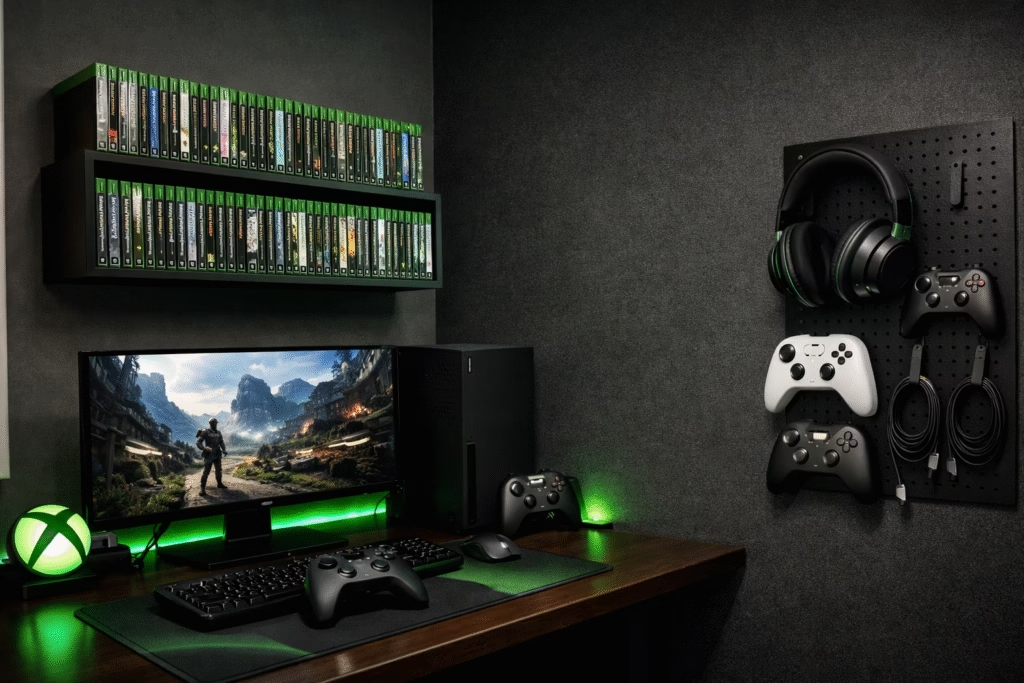
The best way to handle common xbox 360 controller problems & fixes is to prevent them from happening in the first place. You should avoid eating while gaming, as crumbs are the primary cause of button failure. Furthermore, storing your controllers in a dust-free drawer or using a protective case can prevent the potentiometers from getting clogged. If you notice a slight drift starting to develop, addressing it early with a quick cleaning can prevent the need for a full sensor replacement later. Consequently, a little bit of care goes a long way in preserving these devices for future generations. For those who want a brand-new experience without the hassle of repairing twenty-year-old hardware, the Hyperkin Xenon Wired Controller is an officially licensed modern recreation of the 360 design that works perfectly on modern PCs and Xbox Series X/S consoles.
Replacing the analog stick caps
Even if the internal electronics are perfect, the rubber on the analog sticks eventually disintegrates, leaving you with uncomfortable plastic stubs. This is a purely cosmetic but highly impactful issue. Replacing these caps is one of the easiest common xbox 360 controller problems & fixes you can perform. Once the shell is open, the thumbsticks simply pull off their metal posts. You can find replacement sticks in various colors and textures to customize the look of your controller. This also provides an opportunity to inspect the interior for any hair or debris that might have wound itself around the stick base, which is a common cause of friction and “grinding” sensations during movement.
Troubleshooting the 3.5mm and 2.5mm audio ports
The original Xbox 360 controller featured a 2.5mm jack for headsets, which has become a rare standard in 2026. Many common xbox 360 controller problems & fixes involve crackling audio or the microphone not working. Often, this is caused by the metal pins inside the port becoming bent or lose. Because this port is modular on some versions of the controller, it can be replaced without soldering. However, most modern gamers prefer to use an adapter to convert the 2.5mm port to a standard 3.5mm jack. Ensuring that this adapter is seated firmly is the first step in troubleshooting voice chat issues. If the audio is still failing, the issue may lie in the console’s chat settings or a low battery, as the controller will often disable the headset port to save power when the voltage is low.
The impact of shell damage on performance
If a controller has been dropped frequently, the plastic clips inside the shell can break, causing the controller to “creak” or feel flimsy. This isn’t just an aesthetic annoyance; a loose shell can prevent the buttons from making proper contact with the board. In such cases, replacing the entire housing is the most logical step among common xbox 360 controller problems & fixes. High-quality aftermarket shells allow you to refresh the entire look of the device while ensuring that the internal components are held securely in place. When reassembling the controller, make sure that the rumble motors are seated correctly in their brackets, as a loose motor will cause the entire controller to rattle violently and potentially damage the circuit board.
Dealing with “Ghost” button presses
Occasionally, a controller will start registering button presses that the player isn’t actually making. This is almost always caused by a bridge of conductive debris on the motherboard. For example, a tiny piece of metallic dust or a dried liquid spill can connect two points on the circuit board, triggering a signal. This is one of the more elusive common xbox 360 controller problems & fixes because it requires a thorough inspection under a magnifying glass. Cleaning the entire board with a soft toothbrush and high-purity isopropyl alcohol is the best remedy. It removes any microscopic contaminants that could be causing electrical shorts.
The psychology of retro gaming maintenance
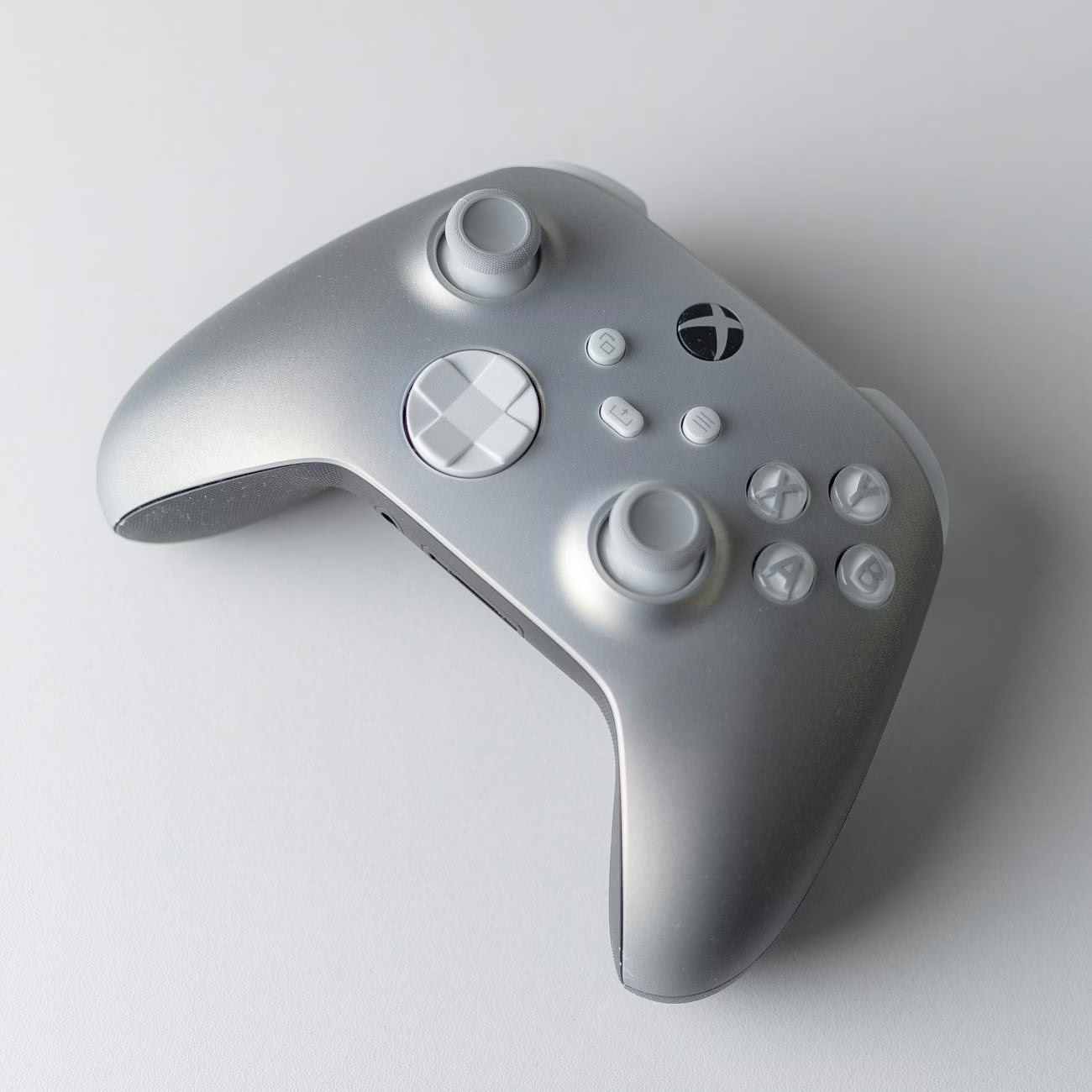
There is a deep satisfaction in taking a piece of “junk” and restoring it to its former glory. As we move further away from the 360’s era, the number of functional original controllers will only decrease. Therefore, learning common xbox 360 controller problems & fixes is more than just a way to save money; it is an act of preservation. Every controller that is saved from a landfill is a win for the gaming community. Furthermore, the skills you learn while repairing a 360 controller—such as soldering and basic circuit analysis—are transferable to almost any other piece of modern electronics.
Comparing OEM vs. Third-Party Repair Parts
When sourcing parts for common xbox 360 controller problems & fixes, you will often have to choose between genuine “pulled” parts and new third-party replacements. While third-party analog sticks are cheaper, they often have larger deadzones and less precision than the original Alps Alpine sensors used by Microsoft. If you are a competitive gamer, spending the extra few dollars for high-quality components is always worth it. However, for a casual controller used by a second player, generic parts are usually sufficient. Always read reviews and buy from reputable hobbyist shops to ensure the parts you receive are within the correct electrical tolerances.
Conclusion: Preserving the golden era of gaming
In summary, the Xbox 360 controller remains a masterpiece of industrial design, but it is not immune to the passage of time. By mastering the common xbox 360 controller problems & fixes outlined in this guide, you are ensuring that your favorite games remain playable for years to come. From simple cleaning to complex soldering, there is a solution for almost every failure. The key is to be patient, use the right tools, and treat the hardware with the respect it deserves. As long as there are people willing to tinker and repair, the legacy of the Xbox 360 will continue to live on in living rooms around the world.
Frequently Asked Questions
Why won’t my Xbox 360 controller turn on even with new batteries?
This is often due to oxidized battery contacts or a loose spring in the battery pack. Specifically, try cleaning the metal terminals with alcohol and slightly stretching the springs for a better connection.
How can I tell if my stick drift is hardware or software related?
Plug your controller into a PC and use a “gamepad tester” website. If the raw input shows the stick moving while centered, it is a physical hardware issue within the potentiometer.
Is it safe to use WD-40 on my sticky buttons?
No, you should never use standard WD-40. Instead, use a specialized “Electronic Contact Cleaner.” Standard WD-40 can leave a residue that attracts more dust and eventually ruins the plastic.
Can I use an Xbox One controller on my Xbox 360 console?
No, they are not natively backward compatible. You would need a specialized third-party adapter to use modern controllers on the older 360 hardware.
What is the “Sync Loop” problem?
This is when the controller and console both blink but never connect. It usually indicates a failure in the wireless card of the console or a major interference source nearby.
Why does my controller vibrate and then immediately turn off?
This is a classic sign of low voltage. The rumble motors draw a lot of power, and if the batteries are weak or the contacts are loose, the sudden draw causes the controller to reboot.
How long does a typical 360 controller repair take?
A basic cleaning takes about 20 minutes. A more involved repair, such as replacing an analog stick, can take 45 to 60 minutes depending on your soldering skill level.
What tools do I need to open the controller?
You specifically need a Torx T8 Security screwdriver (the one with the hole in the middle) and a small Phillips head screwdriver for the internal components.
Are the wired and wireless controllers’ parts interchangeable?
Some parts like the buttons and sticks are, but the main circuit boards and shells are significantly different and cannot be swapped.
Can I fix a controller that had a battery leak?
Yes, if the acid hasn’t eaten through the motherboard. You must neutralize the acid with a mixture of water and baking soda, then clean it thoroughly with isopropyl alcohol.