


You are in the middle of a high-stakes boss fight, your palms are sweating, and suddenly—snap. Your official Xbox controller develops a terminal case of stick drift, or perhaps the bumper simply gives up the ghost. You look at the replacement price tag of $60 to $70 and feel a sharp pain in your wallet. The dream of high-performance gaming shouldn’t be gated behind a premium paywall.
While the market is flooded with “budget” options that feel like hollow plastic toys, a select few gems provide that premium tactile response for a fraction of the cost. Finding the cheapest wireless Xbox controllers that work well is no longer a game of luck; it is about knowing which manufacturers have finally cracked the code on durability and low-latency connectivity without the “Microsoft tax.”
Table of Contents
- The Great Search for Value in Gaming Gear
- Why Wireless Connectivity Matters for Budget Controllers
- PowerA: The King of Licensed Value
- 8BitDo: Retro Aesthetics with Modern Precision
- PDP Gaming: Style Meets Performance
- Gamesir: The Rising Challenger in Controller Tech
- Essential Features to Look for in Budget Gamepads
- How to Maintain Your Controller for Longevity
- Understanding Latency: Budget vs. Premium
- Frequently Asked Questions
- Conclusion: Your Best Path to Affordable Gaming
The Great Search for Value in Gaming Gear
The gaming industry has seen a massive shift in how third-party peripherals are perceived. Years ago, buying a non-brand controller was a recipe for disappointment and missed headshots. However, modern engineering has allowed smaller companies to compete directly with giants. When we talk about the cheapest wireless Xbox controllers that work well, we are looking for a specific intersection of ergonomics, battery life, and stick accuracy. It is important to remember that “cheap” does not have to mean “disposable.”
Furthermore, the introduction of Hall Effect sensors in some budget models has actually put them ahead of official controllers in terms of stick drift resistance. Consequently, players are finding that they can spend less and actually get a product that lasts longer. This paradigm shift is excellent news for casual gamers and competitive players alike who need a reliable backup or a primary driver that doesn’t break the bank.
Why Wireless Connectivity Matters for Budget Controllers
For many years, the only way to get a truly cheap controller was to accept a ten-foot cable trailing across your living room. While wired controllers are great for zero latency, the freedom of wireless play is a luxury that most modern gamers refuse to give up. The challenge with wireless tech in budget models is ensuring a stable connection that doesn’t drop during intense gameplay.
Thankfully, 2.4GHz USB dongle technology has become incredibly affordable. This allows third-party manufacturers to bypass the expensive Bluetooth licensing while providing a connection that is often faster and more stable than traditional Bluetooth. If you are sitting on your couch, you need that wireless freedom to stay comfortable during long sessions. Therefore, identifying the cheapest wireless Xbox controllers that work well involves testing how these devices handle signal interference in a busy household.
PowerA: The King of Licensed Value
PowerA has long been the go-to brand for gamers on a budget. Because they are an officially licensed partner, their controllers often mirror the exact ergonomics of the original Xbox wireless controller. While their absolute cheapest models are wired, their wireless “Enhanced” line offers a fantastic balance of price and performance. (Grab the best deal of PowerA on Amazon as low as $20)
One of the standout features of PowerA controllers is the addition of mappable advanced gaming buttons on the back. This is a feature usually reserved for “Pro” controllers costing over $150. For gamers who want a familiar feel but need a more accessible price point, PowerA is often the first stop. To keep your wireless controller powered up without constantly buying disposable batteries, using a reliable solution like the PowerA Rechargeable Battery Pack can save you a significant amount of money over the lifespan of the device.
8BitDo: Retro Aesthetics with Modern Precision
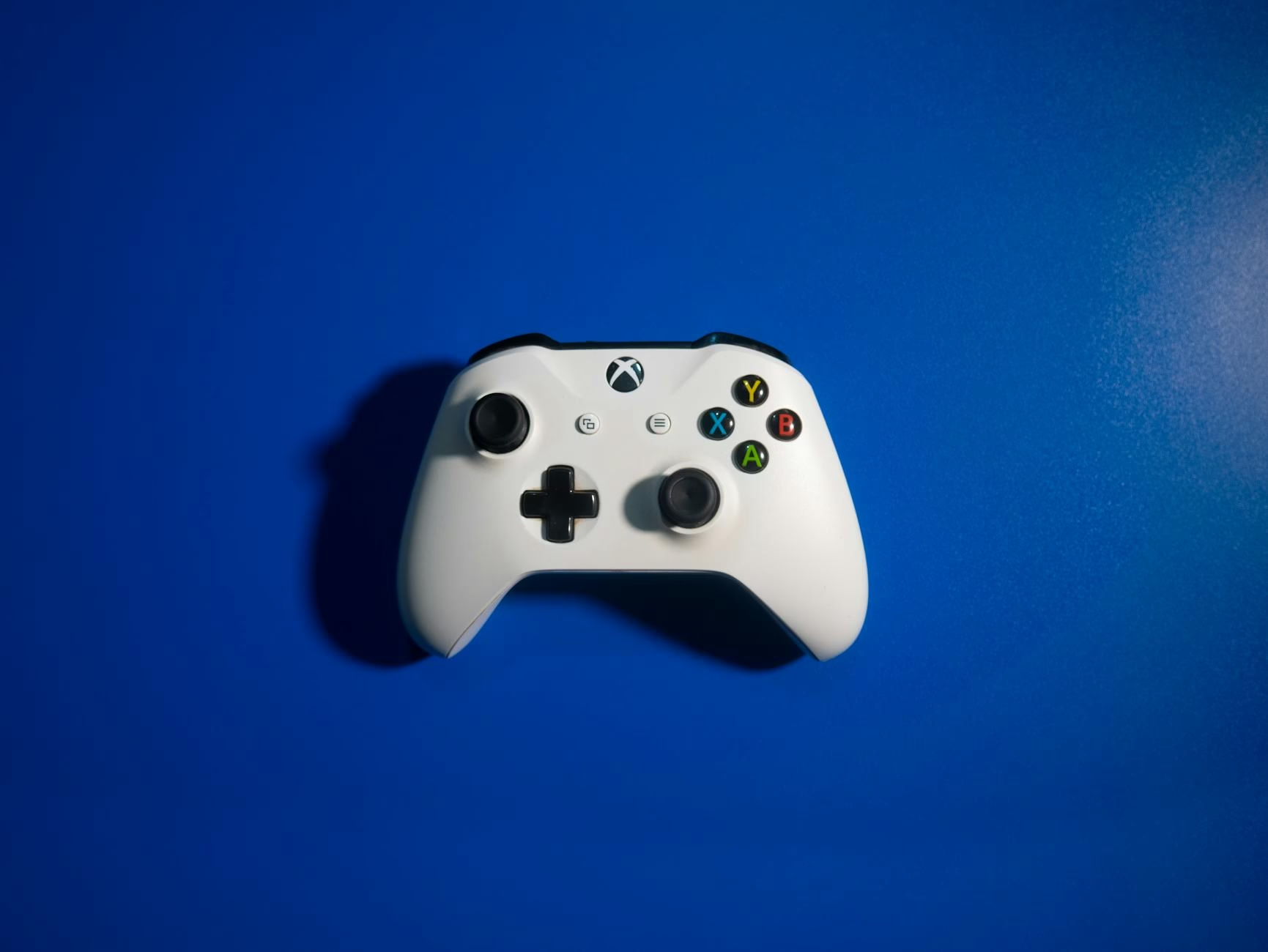
8BitDo has carved out a massive reputation for building high-quality peripherals that feel incredibly sturdy. Their foray into Xbox-licensed controllers has been a game-changer for the budget market. Their wireless models often feature a sleek, minimalist design that appeals to both retro enthusiasts and modern gamers. (Grab the best deal of 8bitDo on Amazon as low as $22).
What sets 8BitDo apart is their incredible software customization. You can adjust stick sensitivity, trigger dead zones, and vibration intensity via an app. This level of control is rarely seen in the cheapest wireless Xbox controllers that work well. Furthermore, their build quality often feels denser and more premium than the official Microsoft counterparts. If you prefer a controller that feels like a tank and offers surgical precision, 8BitDo is a top-tier contender that frequently goes on sale.
PDP Gaming: Style Meets Performance
PDP is another heavy hitter in the licensed peripheral space. They are well-known for their “Afterglow” and “Rematch” lines, which often feature vibrant colors and LED lighting. While aesthetics are subjective, the performance of PDP controllers is consistently high for the price. (Grab the best deal of PDP Controller on Amazon as low as $27).
Their wireless technology is robust, offering low-latency play that satisfies even the most demanding action games. PDP also places a heavy emphasis on their “Hub” app, which allows for recalibration and button remapping. If you are looking for a controller that adds a bit of flair to your setup without costing a week’s worth of groceries, PDP offers some of the most reliable options on the market. Their focus on lightweight yet durable materials makes them an excellent choice for younger gamers or those with smaller hands.
Gamesir: The Rising Challenger in Controller Tech
Gamesir has recently disrupted the market by introducing Hall Effect joysticks and triggers into their budget-friendly lineups. For those unfamiliar, Hall Effect sensors use magnets rather than physical contact to register movement. This means they are virtually immune to the dreaded “stick drift” that plagues almost every other controller on the market. (Grab the best deal of Gamesir on Amazon as low as $29).
Finding the cheapest wireless Xbox controllers that work well often leads people to Gamesir’s G7 or T4 lines. While some of their most innovative models are wired to ensure the fastest response times, their wireless variants offer incredible value. They provide a level of technical sophistication—such as mechanical face buttons that click like a mouse—that you simply won’t find on a standard Xbox controller.
Essential Features to Look for in Budget Gamepads
When you are hunting for a deal, it is easy to get distracted by flashy lights or “extra” buttons. However, you should always prioritize the following three things:
- Stick Tension and Accuracy: The sticks should move smoothly without “snapping” to axes.
- Connectivity Method: A 2.4GHz dongle is generally superior to budget Bluetooth for gaming.
- Battery Life: Look for at least 20 hours of play per charge or easy battery swap options.
Moreover, pay attention to the texture of the grips. Cheaper controllers often use smooth plastic which can become slippery during long sessions. Look for models with laser-etched or rubberized grips to ensure you maintain control. If your chosen controller doesn’t have great grip, you can always add a KontrolFreek Performance Grip to enhance the feel and comfort for a very small additional investment.
How to Maintain Your Controller for Longevity
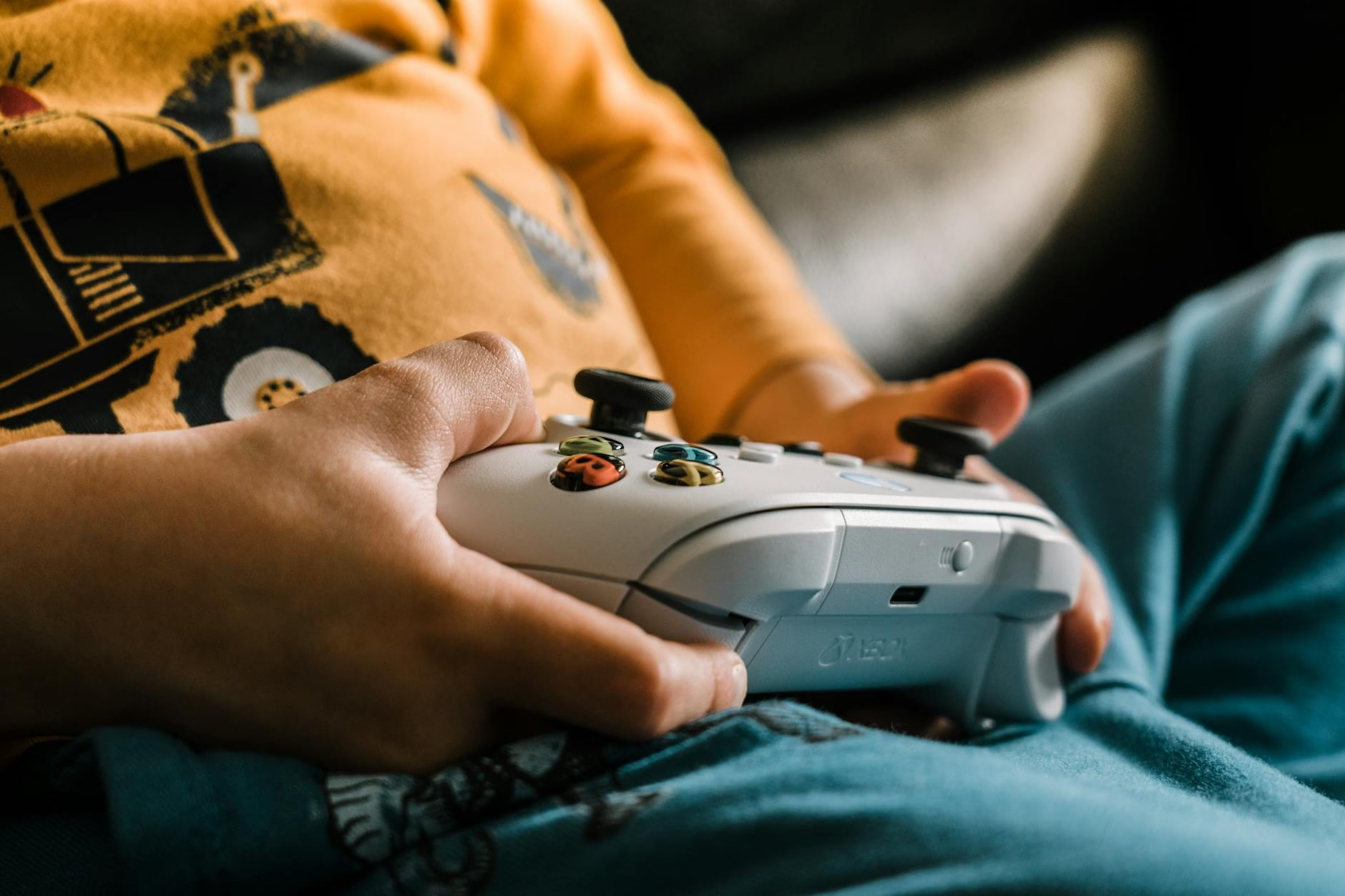
To make your budget purchase last as long as a premium one, maintenance is key. Dust is the primary enemy of electronics, especially the potentiometers inside your joysticks. Regularly cleaning around the base of the sticks with a Q-tip and a tiny bit of isopropyl alcohol can prevent debris from causing phantom movements.
Furthermore, avoid “death-gripping” the controller or slamming buttons. Budget controllers are built well, but they may use slightly thinner plastic for the internal supports of the triggers. Treating your gear with respect will ensure that your cheapest wireless Xbox controllers that work well continue to perform for years rather than months. Storing your controller in a dedicated case or on a stand when not in use can also prevent accidental drops and spills.
Understanding Latency: Budget vs. Premium
One of the biggest fears gamers have when buying cheap wireless gear is input lag. Input lag is the delay between pressing a button and seeing the action on the screen. While professional eSports players might notice a 5ms difference, the average gamer will not.
Modern third-party wireless controllers have narrowed this gap significantly. Using a dedicated USB dongle allows these controllers to communicate with the Xbox at speeds nearly identical to the official hardware. Therefore, unless you are competing in a world-class fighting game tournament, the “budget” wireless lag is virtually non-existent. This makes the switch to more affordable alternatives a no-brainer for 99% of the gaming population.
Frequently Asked Questions
Do third-party wireless controllers work with all Xbox consoles?
Most licensed third-party controllers work with Xbox Series X|S and Xbox One. However, always check the packaging for the “Designed for Xbox” logo.
What is the main downside of a cheap controller?
The main sacrifice is often the lack of a “share” button or slightly weaker vibration motors compared to the official Microsoft version.
Why do some budget controllers use a USB dongle?
The dongle provides a 2.4GHz connection which is more stable and has lower latency than the standard Bluetooth found in many cheap devices.
Are Hall Effect sensors really better?
Yes, because they don’t rely on physical friction, they last much longer and are far less likely to develop stick drift over time.
Can I use these controllers on a PC?
Almost all cheapest wireless Xbox controllers that work well are “plug-and-play” with Windows PCs, making them great multi-platform tools.
Do cheap wireless controllers have a headphone jack?
Most modern licensed wireless controllers include a 3.5mm jack, but some extremely low-budget “no-name” brands might omit it.
How long does the battery last on a budget controller?
On average, you can expect between 15 and 30 hours, depending on whether the controller uses internal lithium batteries or AA batteries.
Is PowerA better than 8BitDo?
It depends on preference. PowerA feels more like the original Xbox controller, while 8BitDo offers better customization and a unique “retro” feel.
Will a budget controller work with my Xbox headset?
If it has a 3.5mm jack, it will support audio and mic. However, some may not support the proprietary Xbox expansion port for chat pads.
Where is the best place to buy these controllers?
Amazon and major retailers often have the best prices, especially during sales events like Prime Day or Black Friday.
Conclusion: Your Best Path to Affordable Gaming
In conclusion, finding the cheapest wireless Xbox controllers that work well is a smart move for any gamer looking to maximize their budget. Whether you choose the ergonomic familiarity of PowerA, the technical precision of 8BitDo, or the innovative features of Gamesir, you are no longer forced to sacrifice quality for a lower price. By focusing on licensed products and established third-party brands, you can enjoy a pro-level experience while saving enough money to buy your next favorite game. Don’t let a high price tag keep you out of the game; the budget revolution is here, and it’s better than ever.